Roaming infected
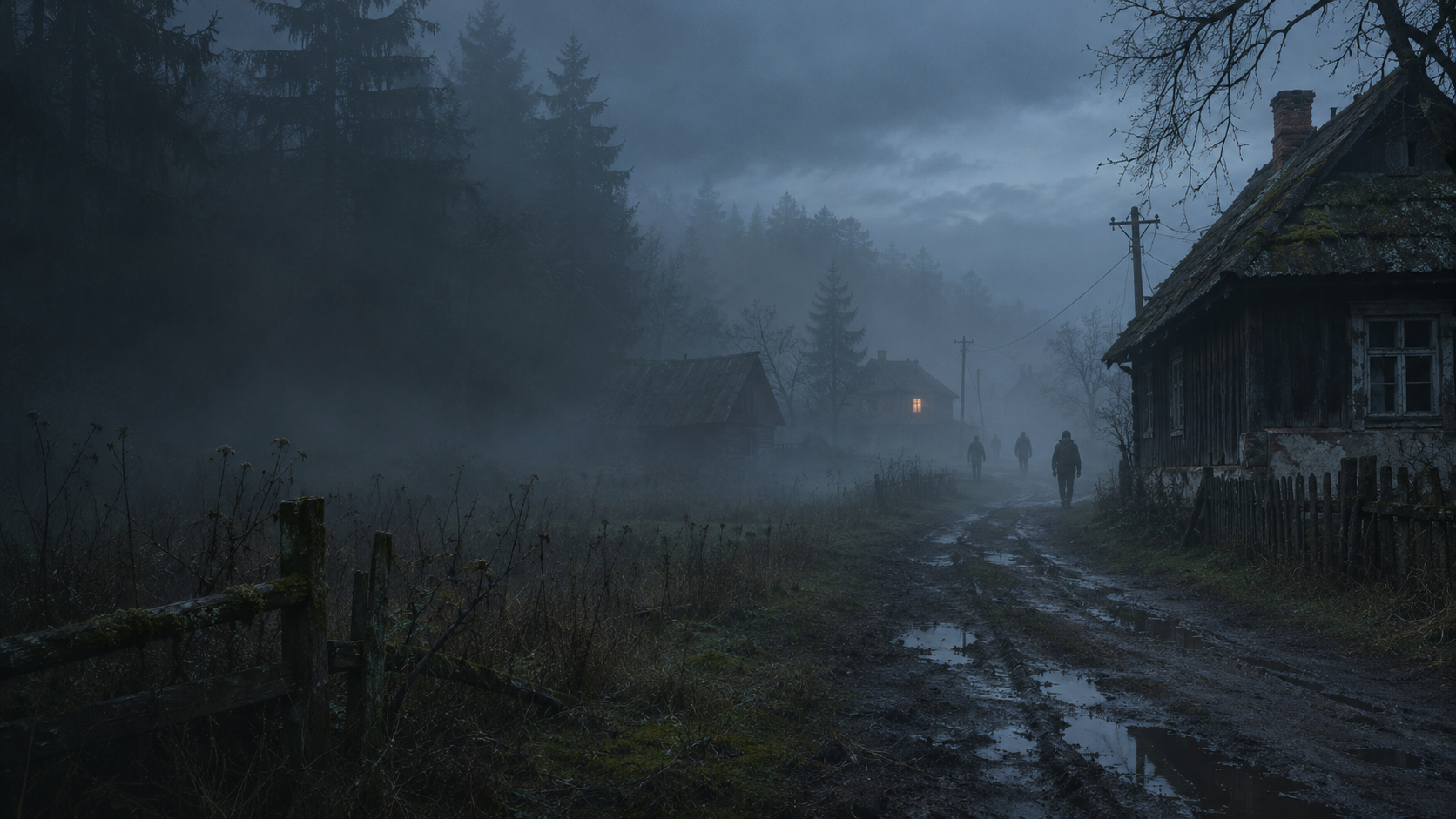
Hordes travel the map and appear when players get close. Gunshots and vehicle noise can draw them in, and infected can pursue through doors and suitable windows.
DayZ PC mod
Infected packs roam between towns. Bandit squads patrol, scavenge, and carry supplies back to outposts. A quiet road can turn into an encounter on your next trip through.
Gameplay
Hordes travel the map and appear when players get close. Gunshots and vehicle noise can draw them in, and infected can pursue through doors and suitable windows.
Armed NPCs patrol, scavenge, react to threats, and bandage injured teammates. Squads and their losses persist between server restarts.
Bandits return supplies to fixed caches. Players who find a cache can take its stock, and its inventory is saved by the server.
Dedicated server + players
@WanderingHordes in the server root..bikey into the server’s keys folder. Keep verifySignatures = 2.server-profile/WanderingHordes into the server’s active -profiles directory.@WanderingHordes to the existing -mod list. Look for FOUNDATION_LOADED and WH_BANDIT in the server script log.Extract the same @WanderingHordes folder. Add it as a local mod in the DayZ Launcher and enable it before joining.
Current release
Includes bandit treatment animations and updates to infected window traversal.
enoch)The preset enables infected hordes and bandit outposts. Lab controls, telemetry, and starter weapon grants are disabled. This build also lowers construction material costs for vanilla fences and watchtowers.
Other maps need a matching preset. The build was started in a Windows Livonia lab, and its PBO signature was verified with DayZ Tools. Test a player join with your own server’s mod list.